
Manage by time and type
Browse your library by time, by type, and by on-device scene — screenshots, similar shots, chats, receipts, and more — so a big camera roll stays approachable.
KeepFirst is an iPhone photo manager and organizer built around one idea: choose what to keep first, then review the rest before deleting. Instead of pushing you to bulk-delete, it helps you browse a big camera roll by time and type, mark the photos worth keeping, and send everything else to an in-app Review Bin. Photos are reviewed locally on your device, so managing a messy library never means handing it to the cloud.
Browse your library by time, by type, and by on-device scene — screenshots, similar shots, chats, receipts, and more — so a big camera roll stays approachable.
A good manager should protect your best photos before it removes anything. KeepFirst starts by letting you choose keepers.
Anything you do not keep waits in an in-app Review Bin, so managing a messy library never means losing a photo by accident.
Your photos are reviewed on the device. KeepFirst does not upload your library to the cloud.
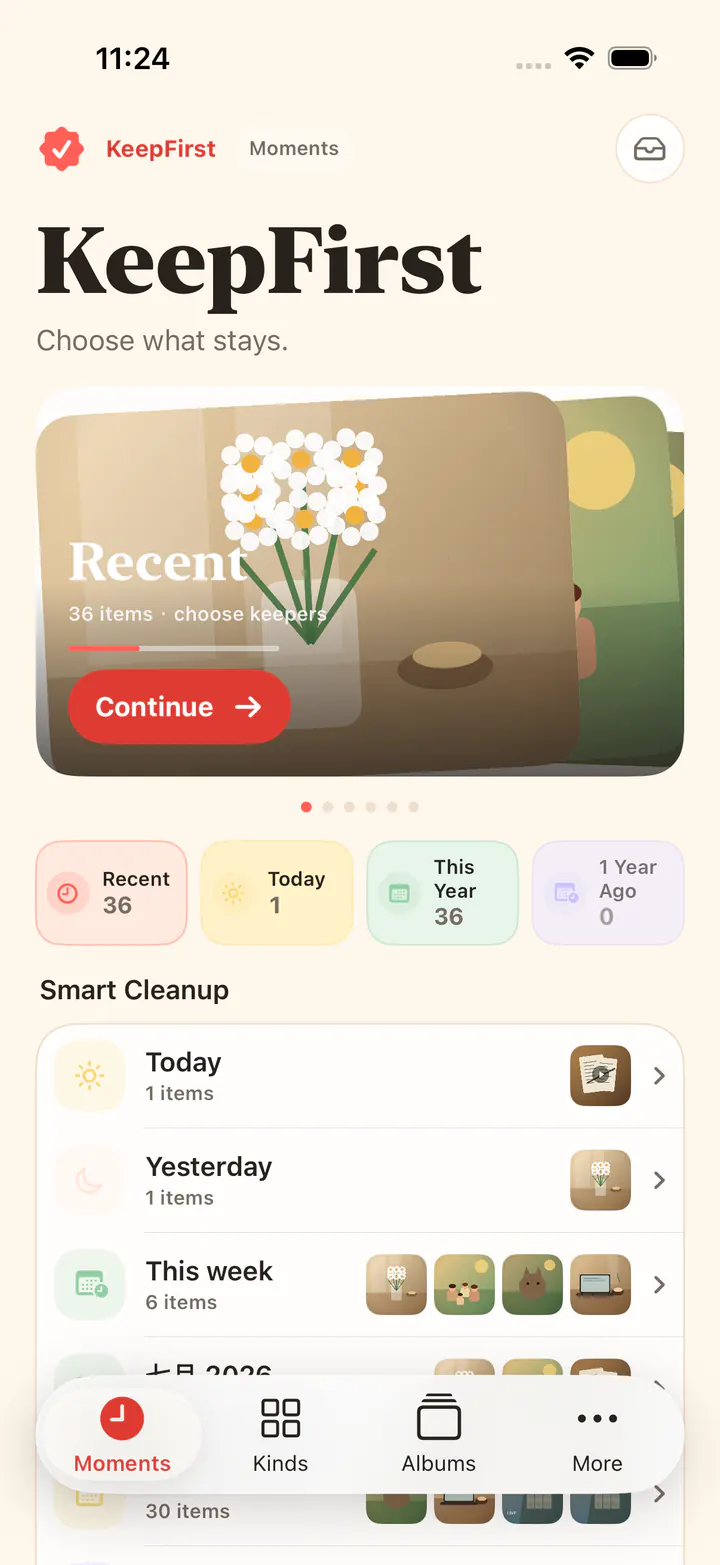
Browse by time and type, keep what matters, and let the Review Bin catch anything you are not sure about.