
How to find and review similar photos on iPhone
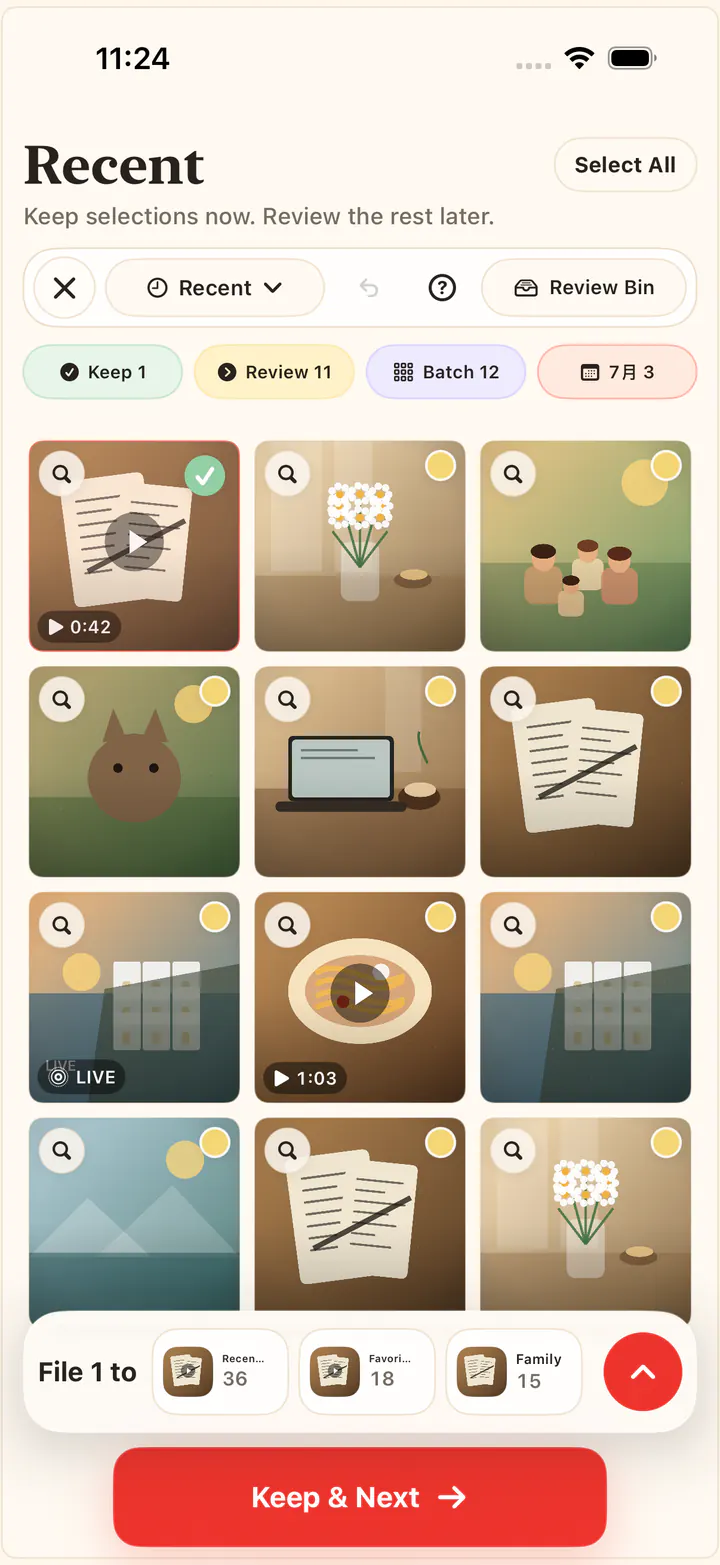
Bursts and retakes are how camera rolls quietly fill up: five nearly identical shots where you only wanted one. KeepFirst groups similar photos locally so you can compare a set side by side, keep the best, and send the rest to a Review Bin before anything is deleted. It is review-based, not blind deletion — you decide which shot survives.
Review similar photos, step by step
- 1
Open similar-photo review in KeepFirst
Start the similar-photo flow to work through near-identical shots instead of scrolling your whole library.
- 2
Let KeepFirst group similar shots locally
Bursts, retakes, and very similar scenes are grouped together on your device — nothing is uploaded to do this.
- 3
Compare and choose the keeper
Within each group, pick the best shot. KeepFirst keeps it and sets the rest aside.
- 4
Send the rest to the Review Bin
The photos you did not keep move to the Review Bin rather than being deleted right away.
- 5
Review, then confirm
Check the Review Bin and complete deletion through the standard iOS prompt when you are ready.
Frequently asked questions
- How do I find similar photos on iPhone?
- KeepFirst groups similar photos locally so you can review them together. The iPhone Photos app has a Duplicates album, but that focuses on exact copies rather than near-identical shots.
- What counts as a similar photo?
- Similar photos are near-duplicates: burst shots, retakes of the same moment, and slightly different versions of one scene. They are not exact copies, so choosing which to keep is a human decision.
- Does KeepFirst detect exact duplicates?
- KeepFirst focuses on similar-photo review rather than guaranteed exact-duplicate detection. For true copies, the iPhone Photos app can merge them in its Duplicates album.
- Is similar-photo review done in the cloud?
- No. Similar-photo grouping happens locally on your device. KeepFirst does not upload your photos to compare them.
- Will KeepFirst delete similar photos automatically?
- No. You choose the keeper in each group, and the rest wait in the Review Bin until you confirm deletion through iOS.
Keep the best of every burst
Compare similar shots, keep your favorite, and clear the rest with the Review Bin as your safety net.